01Ask
Ask anything. No made-up columns.
Schema-aware autocomplete and SQL generation keep the AI honest — every suggestion is based on real tables, real fields, and real joins.
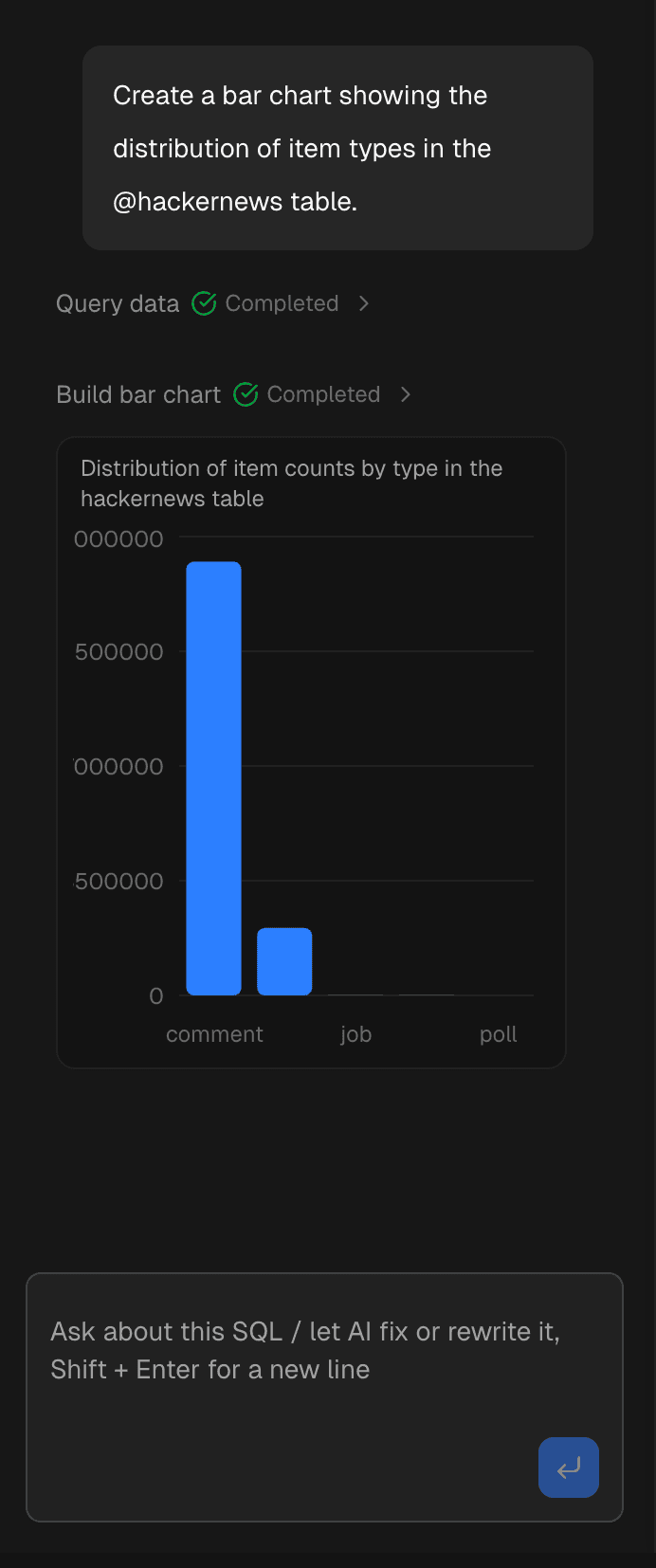
Connect databases and use SQL, AI, and visualization to explore, analyze, and reuse.
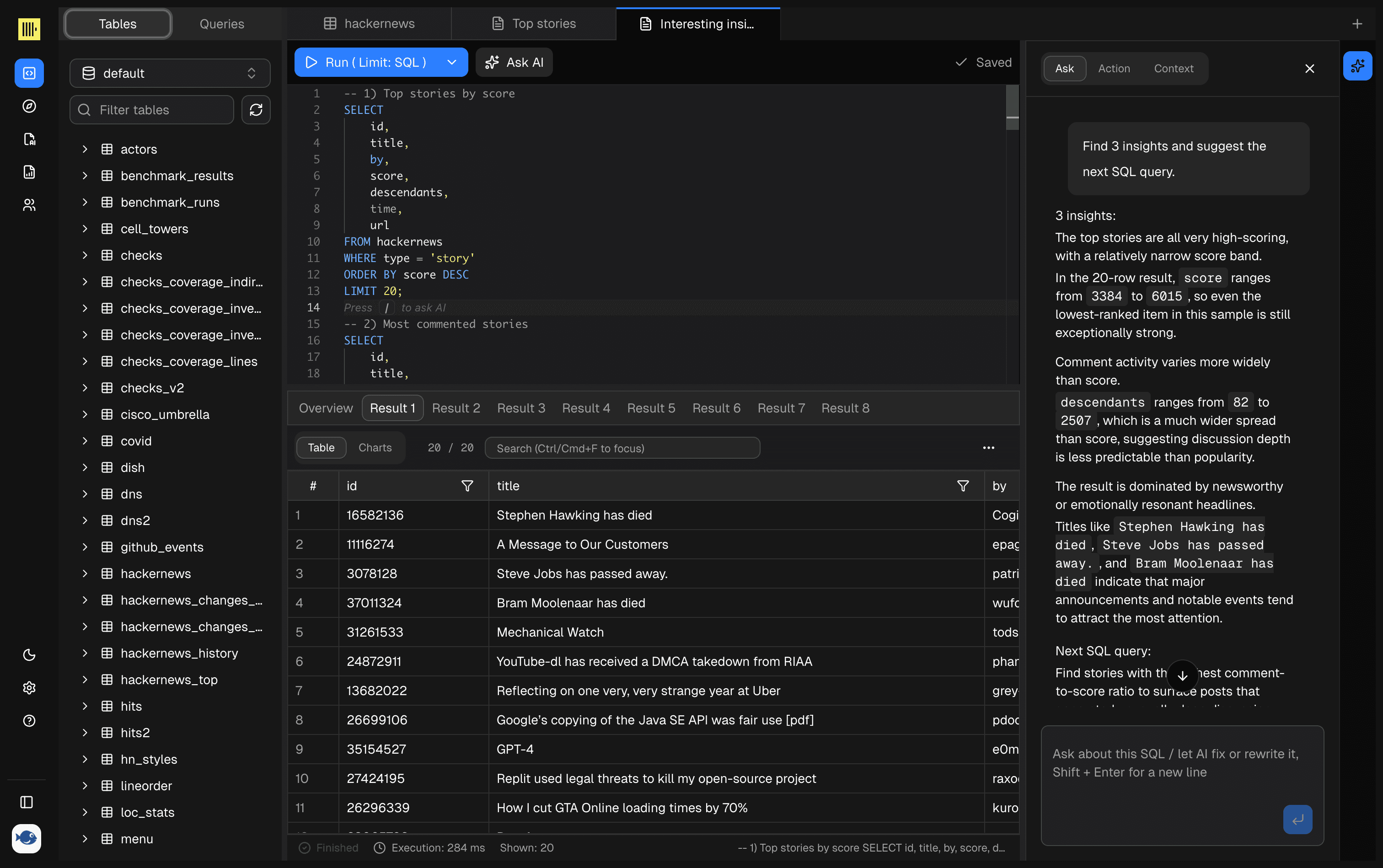
Query databases, understand tables, and talk to data - All in One modern workspace.
Generate SQL and explain results from the current connection, schema, and query context.
Keep the editor, schema browser, query results, and execution history in one workflow.
Save useful queries and result context so one-off exploration becomes a reusable workflow.
No context switching. No hallucinated fields. Just accurate SQL and real results.
Schema-aware autocomplete and SQL generation keep the AI honest — every suggestion is based on real tables, real fields, and real joins.
Run transformations, save and share queries, and trigger common analytics tasks right from the workflow — no copy-paste, no tab hopping.
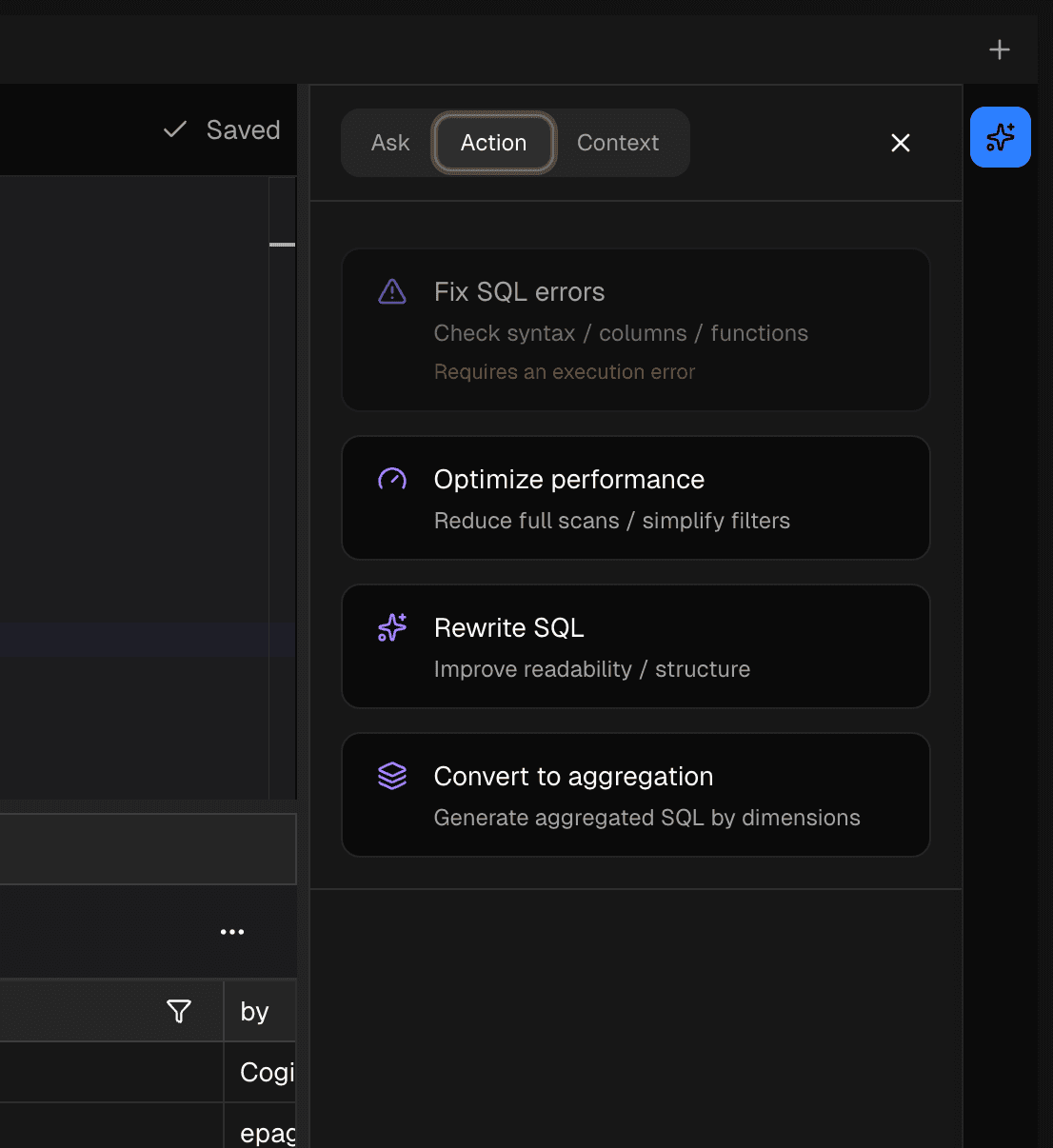
Dory tracks what you’re working on — tables, relationships, and recent queries — so results stay consistent across Ask, Action, and Context.
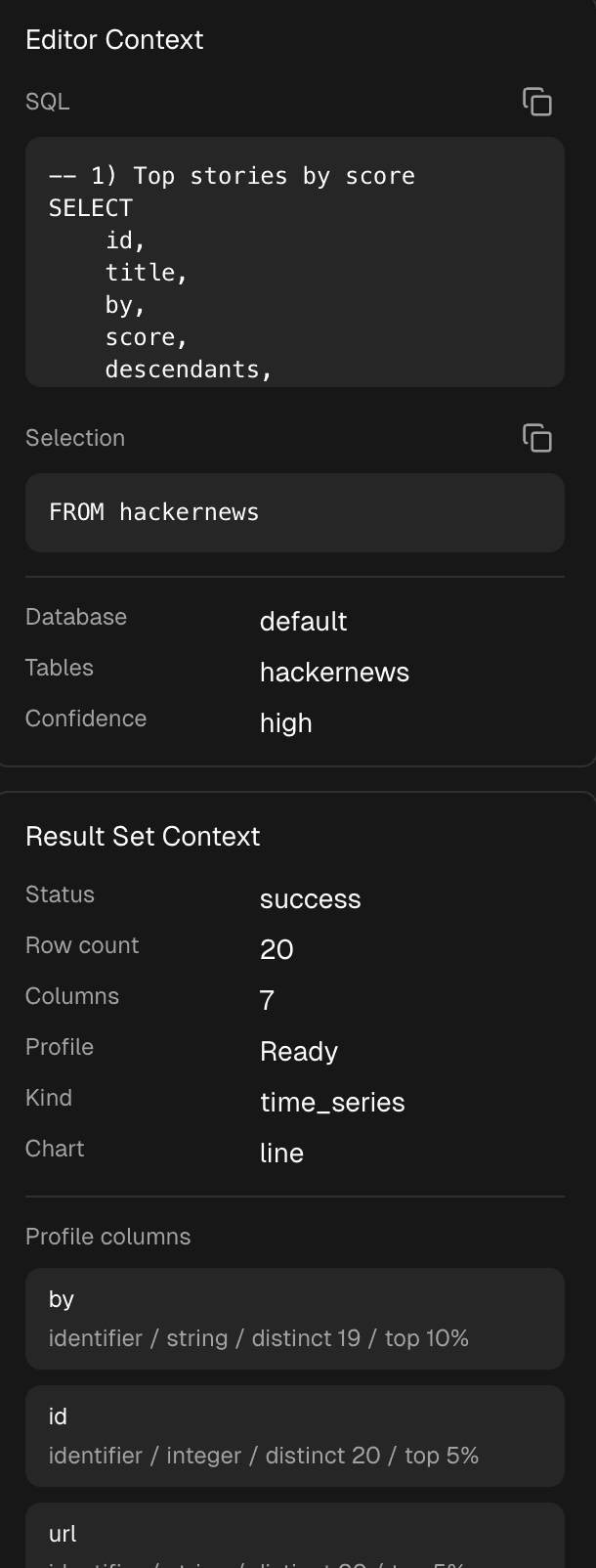
A fast editor, a trustworthy schema view, and saved work you can reuse — the foundation of daily data work.
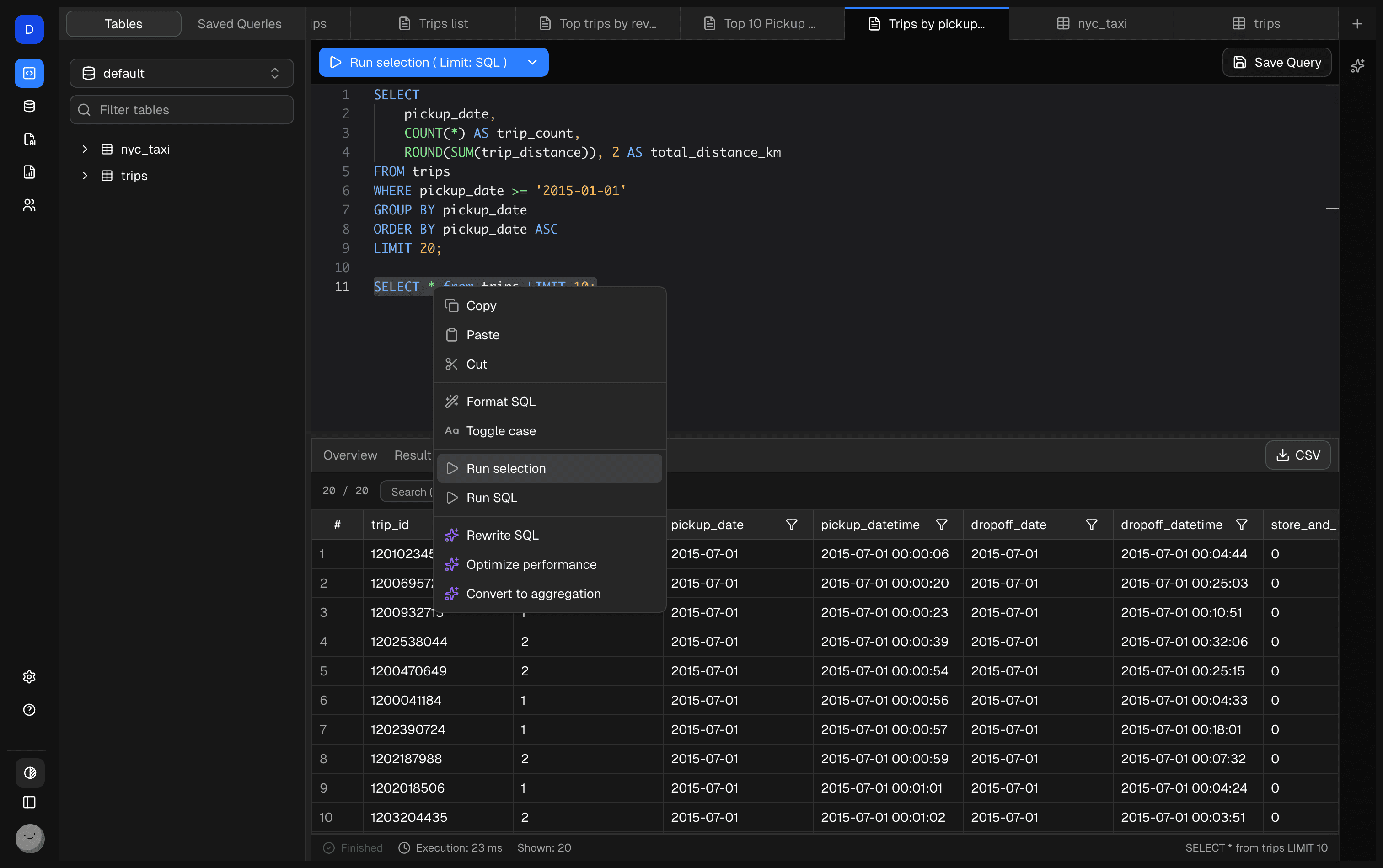
Fast, keyboard-first editing with schema-aware autocomplete — so you can write correct SQL without breaking flow.
Browse tables, columns, and types in context — the same grounding the AI uses to avoid hallucinated fields.
Turn one-off exploration into a workflow. Save, revisit, and share the queries that matter.
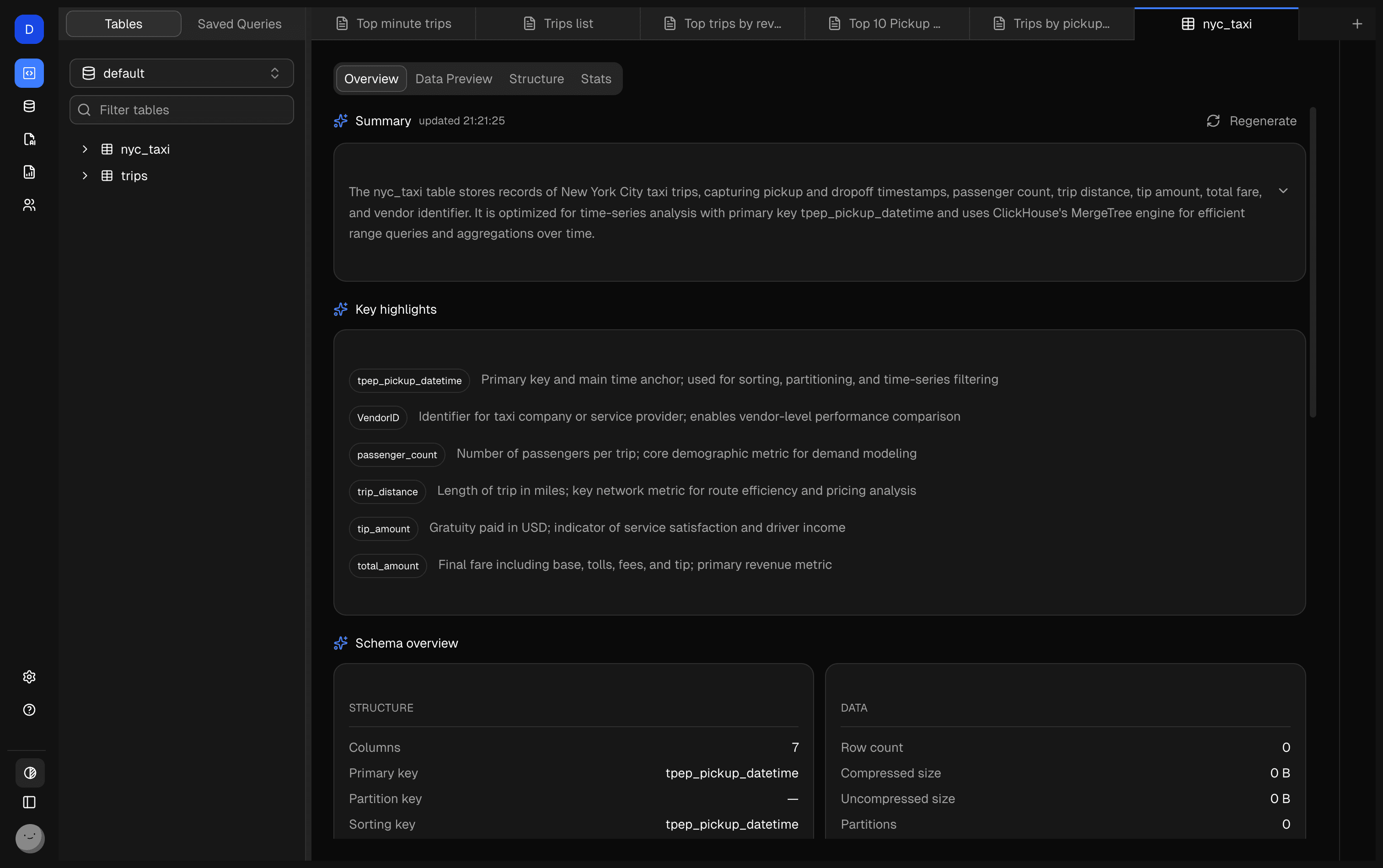
Automatically generates table-level overviews, semantic annotations, and usage cues so AI understands business data before it writes SQL.
Dory’s Chatbot is not a generic AI assistant. It’s a database-native copilot that understands your schema, writes real SQL, and helps you explore data through conversation.
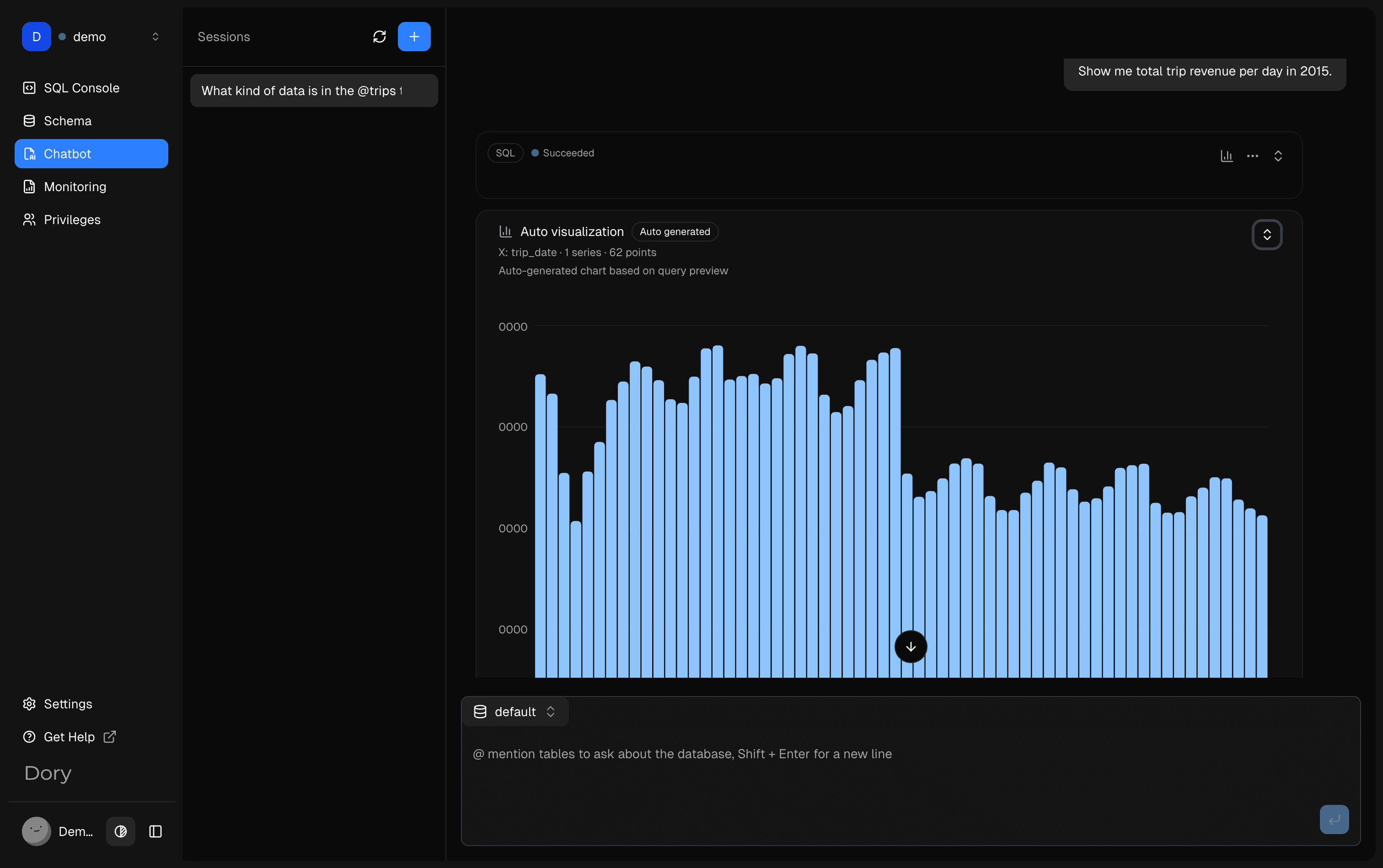
Supports PostgreSQL, MySQL, SQL Server, Oracle, SQLite, MariaDB, DuckDB, and ClickHouse. A modern workspace for querying, exploring, and analyzing your data.









Local-first, responsive
Queries, personal settings, and workflows stay on your computer so privacy and control never leave your hands.
SSH tunnels wrap every connection in strong encryption, so your credentials, queries, and data never leave your network in plain text.
Save queries, context, and results so you can rerun and build on work again and again.
A clean, restrained interface that keeps you immersed in the rhythm of your work.
Light, dark, and multiple accent themes adapt to your environment while keeping the visuals readable and comfortable.
Apache 2.0 licensed, extensible, and ready for self-hosting.
Yes. Dory provides a free version that you can use for personal projects and local workflows.
Dory’s AI Copilot understands your database schema, tables, and query context to help generate SQL, explain queries, and explore data faster.
Dory currently supports ClickHouse, PostgreSQL, MySQL, MariaDB, SQL Server, Oracle, SQLite, and DuckDB, with a deeply integrated experience for ClickHouse.
Dory follows a local-first philosophy. Your connections and workspace metadata can stay on your machine when using the desktop version.
Download Dory now, or deploy it locally with Docker and connect it to your real database.